


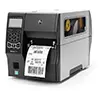







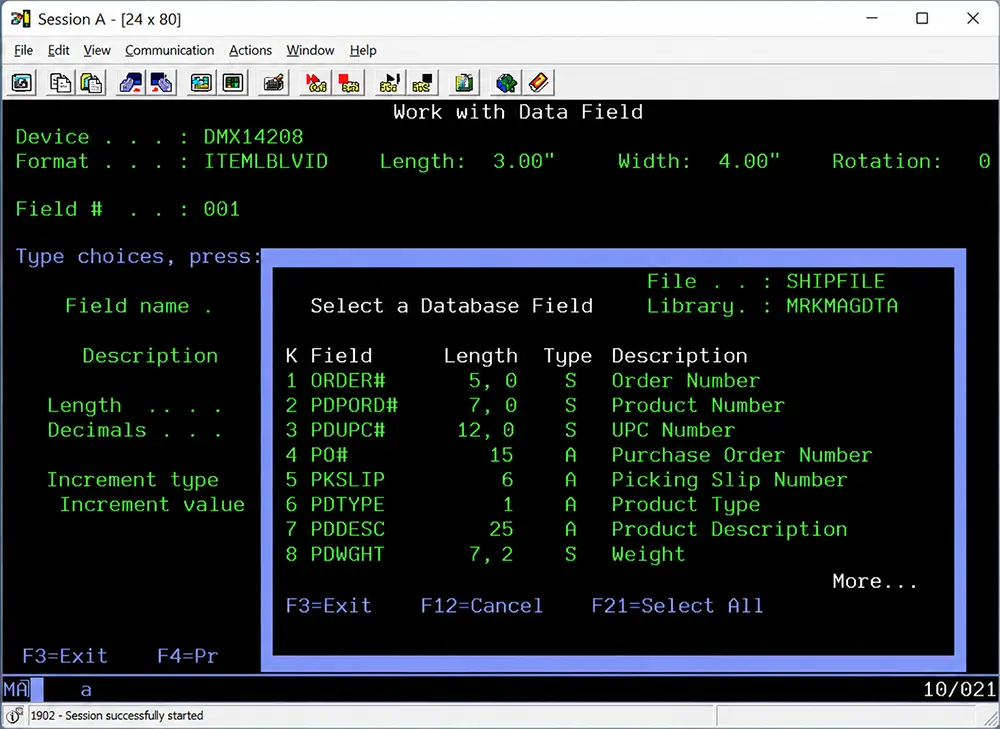
For decades, the IBM i platform (formerly AS/400 and iSeries) has powered mission-critical operations for manufacturers, distributors, retailers, healthcare organizations, and logistics providers around the world. While the platform continues to evolve, one challenge remains common across industries: printing accurate, standards-compliant barcodes directly from IBM i applications.
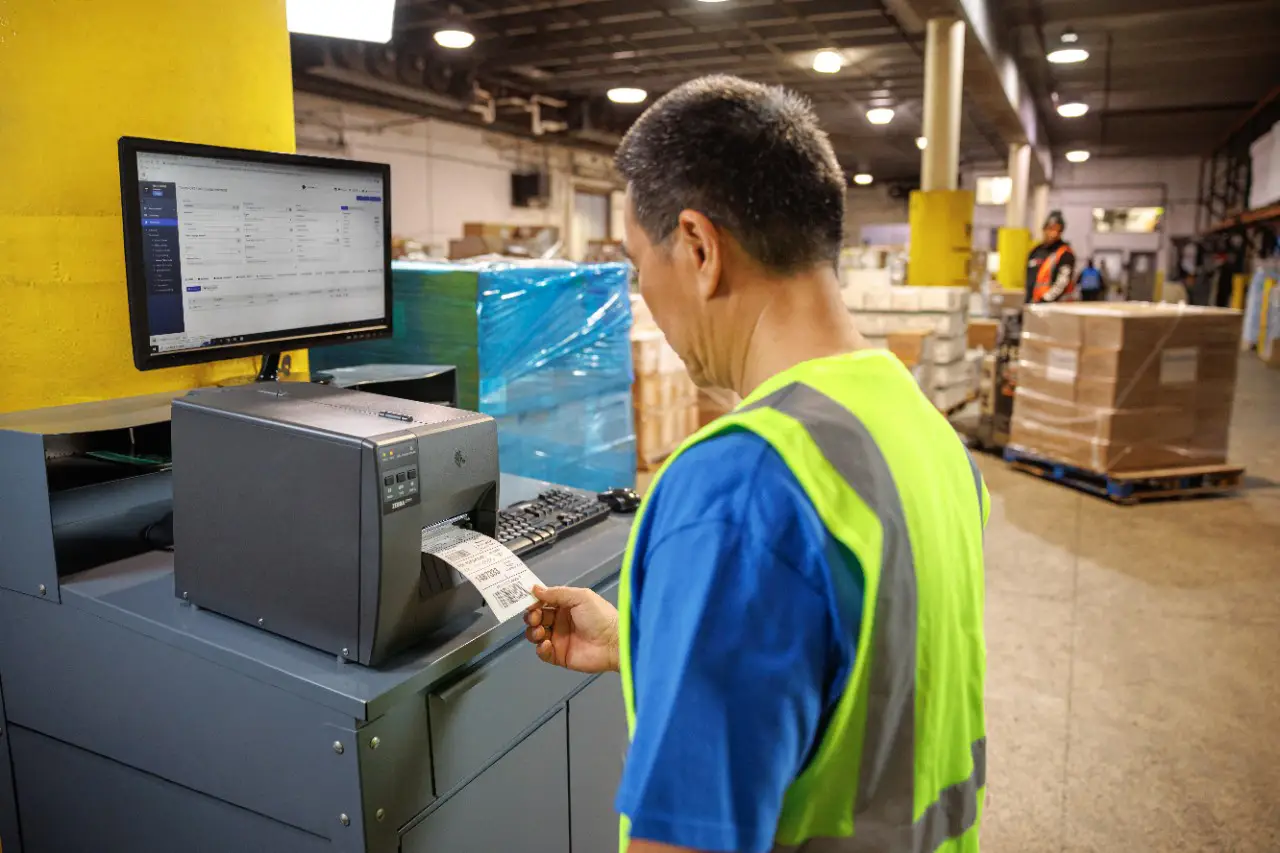
Whether you're shipping products, tracking inventory, managing warehouse operations, or complying with customer labeling requirements, barcode printing is an essential part of daily business processes.
In this guide, we'll explain how barcode printing works on IBM i, the challenges organizations often face, and the best methods for producing high-quality barcode labels and documents.
Why Barcode Printing Matters on IBM i
Barcodes are used throughout the supply chain to improve efficiency, accuracy, and visibility. Common IBM i barcode printing applications include:
- Shipping labels
- Product labels
- Inventory labels
- Warehouse location labels
- Compliance labels
- Pick tickets
- Packing slips
- Bills of lading
- Work-in-process (WIP) tracking
- Asset tracking
Accurate barcode printing helps eliminate manual data entry, reduce errors, accelerate workflows, and support real-time inventory visibility.
Common Barcode Symbologies Used on IBM i
Organizations running IBM i applications often need to print multiple barcode formats depending on customer requirements and industry standards.
Popular barcode types include:
| Barcode Type | Common Use |
|---|---|
| Code 39 | Manufacturing and inventory tracking |
| Code 128 | Logistics and supply chain operations |
| GS1-128 | Shipping and compliance labeling |
| UPC-A | Retail products |
| EAN-13 | International retail |
| ITF-14 | Carton labeling |
| QR Code | Product information and digital links |
| Data Matrix | Healthcare and manufacturing |
| PDF417 | Transportation and identification |
Many organizations must support several barcode standards simultaneously to satisfy customer, vendor, and regulatory requirements.
Traditional IBM i Barcode Printing Challenges
Historically, IBM i users often relied on printer-resident barcode fonts, custom RPG programming, or third-party utilities to generate barcodes.
While functional, these approaches can introduce several challenges:
Limited Printer Compatibility
Some barcode solutions only work with specific printer models, making hardware upgrades difficult.
Complex Programming Requirements
Generating barcodes through custom RPG, COBOL, or CL programs can require significant development effort and ongoing maintenance.
Poor Print Quality
Improper barcode generation can result in unreadable symbols, failed scans, shipping delays, and compliance penalties.
Lack of Modern Barcode Support
Many legacy solutions struggle to support newer barcode formats such as:
- QR Codes
- GS1 DataMatrix
- GS1 Digital Link
- RFID labels
- Customer-specific compliance formats
Methods for Printing Barcodes on IBM i
There are several approaches organizations use today.
1. Native IBM i Printing
Some businesses generate barcodes directly within IBM i applications using printer control languages such as:
While effective for simple requirements, this method often requires custom coding and ongoing maintenance.
2. Barcode Fonts
Barcode fonts convert text into barcode symbols.
Advantages include:
- Relatively simple implementation
- Low initial cost
However, barcode fonts often lack advanced functionality and may not support all industry standards or printer environments.
3. Enterprise Labeling Software
Many organizations choose dedicated barcode labeling software to simplify design, printing, compliance management, and printer integration.
Enterprise labeling platforms can:
- Generate multiple barcode symbologies
- Support hundreds of printer models
- Centralize label management
- Automate printing processes
- Integrate directly with IBM i applications
This approach is often preferred for high-volume operations and complex supply chains.
Printing Barcodes from IBM i Spool Files
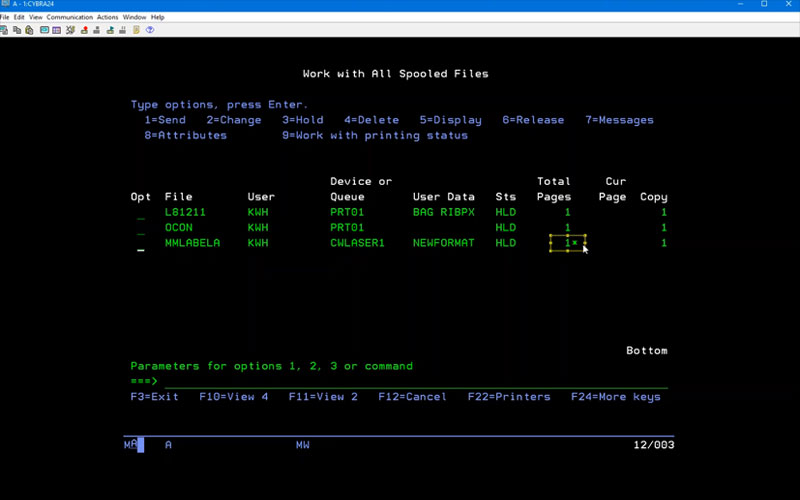
One of the most efficient methods is leveraging existing IBM i spool files.
In this model:
- IBM i generates the business document.
- Labeling software intercepts the spool file.
- Data is extracted automatically.
- Barcodes are generated dynamically.
- Labels, forms, and documents are printed to the appropriate device.
This approach minimizes application modifications while enabling modern barcode capabilities.
Supporting Customer and Industry Compliance Requirements
Many organizations must comply with customer labeling mandates and industry standards.
Examples include:
- GS1 standards
- Retail compliance programs
- Automotive labeling requirements
- Healthcare UDI regulations
- Department of Defense labeling specifications
- Supplier shipping labels
A modern IBM i barcode printing solution should support these standards without requiring custom development for every new requirement.
Choosing the Right Barcode Printing Solution
When evaluating barcode printing software for IBM i, consider the following:
IBM i Native Integration
Look for solutions specifically designed to work with IBM i spool files and applications.
Printer Flexibility
Support for thermal, laser, inkjet, and RFID printers helps future-proof your investment.
Compliance Support
Ensure the software supports current barcode standards and customer requirements.
Ease of Design
Graphical design tools reduce dependence on developers.
Scalability
The solution should support growth across facilities, printers, and users.
Modernizing IBM i Barcode Printing
Despite being one of the most reliable enterprise platforms available, IBM i environments often operate alongside modern warehouse, ERP, WMS, and e-commerce systems. Barcode printing solutions that bridge these environments help organizations modernize operations without replacing core IBM i applications.
By implementing a flexible barcode printing platform, companies can improve accuracy, accelerate fulfillment, reduce labeling errors, and support evolving compliance requirements while continuing to leverage their IBM i investment.
Print Barcodes on IBM i with MarkMagic
MarkMagic® is an enterprise barcode, RFID, forms, and labeling solution designed specifically for IBM i environments. Organizations use MarkMagic to design, print, and manage barcode labels, RFID tags, packing slips, invoices, compliance labels, and business forms from IBM i applications.
Key capabilities include:
- Native IBM i integration
- Support for hundreds of barcode symbologies
- GS1 compliance support
- RFID encoding and printing
- Multi-printer compatibility
- Graphical label design tools
- PDF, email, and document distribution
- Integration with ERP, WMS, and supply chain systems
Whether you're modernizing legacy printing processes or implementing new barcode compliance initiatives, MarkMagic provides a scalable solution for IBM i barcode printing.
Final Thoughts
IBM i remains a critical platform for thousands of organizations worldwide. The ability to print accurate, standards-compliant barcodes directly from IBM i applications is essential for maintaining efficient operations, ensuring compliance, and supporting supply chain visibility.
By leveraging modern barcode printing software, businesses can extend the value of their IBM i investment while meeting today's operational and customer requirements.
Better Labeling, Faster Printing.
Ensure every label is accurate, compliant, and printed without delays. Discover how CYBRA’s barcode and printing solutions streamline operations and eliminate errors.