
Create a Graphic Field

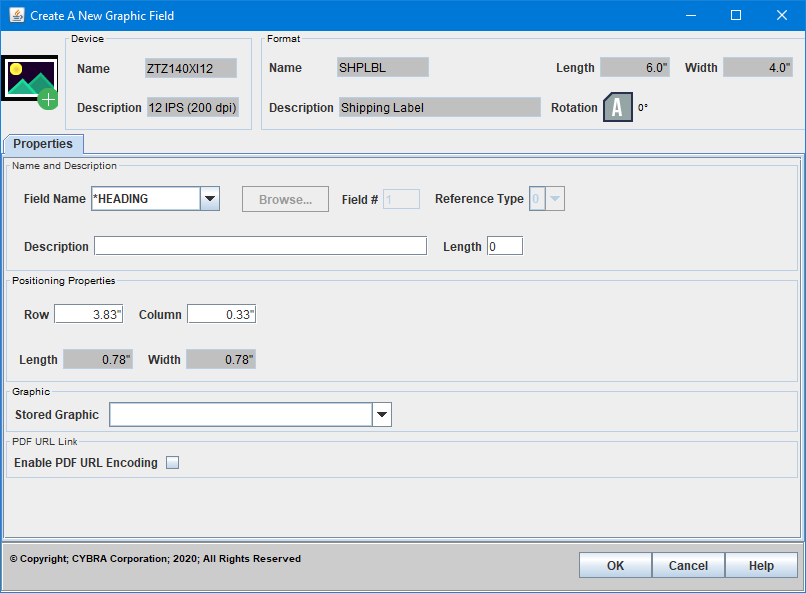
The Create A New Graphic Field dialog is used to add new graphics fields to your format. When editing an existing graphic field, an exact duplicate dialog called Edit A Graphic Field is displayed instead.
Properties
Name and Description
- Field Name - Please see Field Names for more information.
- Field # - An automatically assigned number for the field. This is an internally used number for list ordering and field identification.
- Reference Type -
- Description -
- Length -
Positioning Properties
- Row -
- Column -
- Length -
- Width -
Graphic
- Stored Graphic -
PDF URL Link
- Enable PDF URL Encoding -